This week's topic is technology. I absolutely love technology! I love using it in my day to day life and I especially love using it in the classroom! Here are a few tricks that I have used in the past to incorporate iPads into the classroom with a 1:1 iPad to student ratio.
Every morning as a part of the students' morning routine, they would collect their iPads from the secure storage and charging station and place their iPads in their seat sacks on the back of their chairs. This would allow the iPads to be easily accessible throughout the day as well as out of the way in a place where they would be unlikely to be damaged when they were not being used. The students also kept their headphones on their seat sacks. *Side note: I recommend using headphones instead of earbuds as earbuds seemed to constantly be getting tangled up and broken.
As a part of cleaning up at the end of the school day, the students were responsible for returning their iPads to the secure charging cart. Each student was assigned an iPad with the same number as their student number and had a specific slot within the cart so it was very quick to see who's iPad was missing from the cart at the end of the day. I did not have my students plug their iPads in to charge them. They simply placed them in the slot with the charger side facing out. Typically I would only charge the iPads once a week (Thursday nights). I chose to charge them on Thursday nights instead of Friday nights because I didn't want them to be plugged in and potentially charging all weekend long. Most of the time this was all I had to do. Occasionally we would use the iPads more or something else would happen and I would need to charge them again. I also taught the students how to read and monitor their iPads' battery life. They were in charge of letting me know when it got below 10% and needed to be charged. It was great! I love natural consequences. If the students weren't responsible and watching their batteries, then they wouldn't be able to use them when they wanted to.
The uses for the iPad within the classroom are endless! With so many options, you may want to start small. I really enjoyed using them during Daily 5. I created folders on each iPad and labeled them Listen to Reading, Word Work, Work on Writing, etc. Then, when the students made their choice for that session, they could go to apps within that choice's folder. Folders are a great way to organize the apps within the iPads and make it easy to assign subjects or topics but also allow the students' choice.
What are some technology tricks that you use in your classroom?
Who is it that decided that the second official week of summer would be the perfect time for Back to School sales to begin? I'm going to go out on a limb and say that it probably wasn't a teacher. I know that it seems like every school district is on a completely diffferent schedule from everyone else, but it seems like the magic (a.k.a. dreaded) start date of the Back to School Sales keeps creeping up on the calendar. So, in another ten years, will we be doing our Back to School shopping in February? I don't know about you, but I am definitely not ready to go back to school yet. As of today, I have been out for only a little over 3 weeks. I haven't even reached the halfway point yet. Phew! With my Summer To Do list still bursting at the seams and only one swipe on my shiny, new 2014 pool pass, that is a huge relief. I'm still at that point where my summer feels long and luxurious. Like I have all of the time in the world and will get to do so much! Ask me again in a few weeks and I'm sure my attitude will have changed but for right now I'm loving it! With all of that in mind, this week's post topic is the beginning of the year and everything that goes into it. Here are a few ideas to pin for later.
Parent Surveys: Parent surveys are a great way to get more info on your new students. I recently found questions, new to me, that I plan to include this year. Questions to consider: How does your child prefer to work - in groups or individually? When getting new information, does your child do best getting all the information at once, or step by step, as the concept or project unfolds?
No more "What I did this summer" essays: Stand this periennial back to school assignment on its head by asking kids to tell their best summer stories using the iMovie or Friend Strip Pro app or Comic Life software. Each option lends its own spark to students' writing. iMovie is super user friendly, lets students take charge of their project by storyboarding the plot, shooting the video segments, writing minimal copy and, in return, getting very dynamic results! Friend Strip Pro includes some picture elements that enhance the story, often in funny ways. Comic Life software lets kids drag and drop pictures they choose as well as Pow! star bursts, creating their own comic strip.
Classroom drab? Flip it to fab!
* Take advantage of end of summer sales to pick up fun kid-sized furniture for an inviting reading area. Chevron print pillows accent bright teal or orange patio benches. And Marshalls and Homegoods stores carry pint-sized overstuffed chairs that invite readers to enjoy a good book.
* Want a colorful new look quick? Just like recipes that promise dinner in minutes, our TPT store offers classroom decor packs you can download, print, laminate and hang just like that! Packs are packed with printables including welcome banners, different versions of student name plates for desks, schedule cards, group work cards, birthday posters.... lots more. Please check them out!
Time for New Year's resolutions? Maybe. It's always fun to try something new and a bright, new beginning always offers new possibilities. What are you hoping to do differently this school year? In the meantime, here's to summer!!!
Disney apps are on sale for $0.99 for a limited time! They have some terrific storybook apps available including Frozen, Brave, Planes, and more! Check them out in the App Store if you're interested.
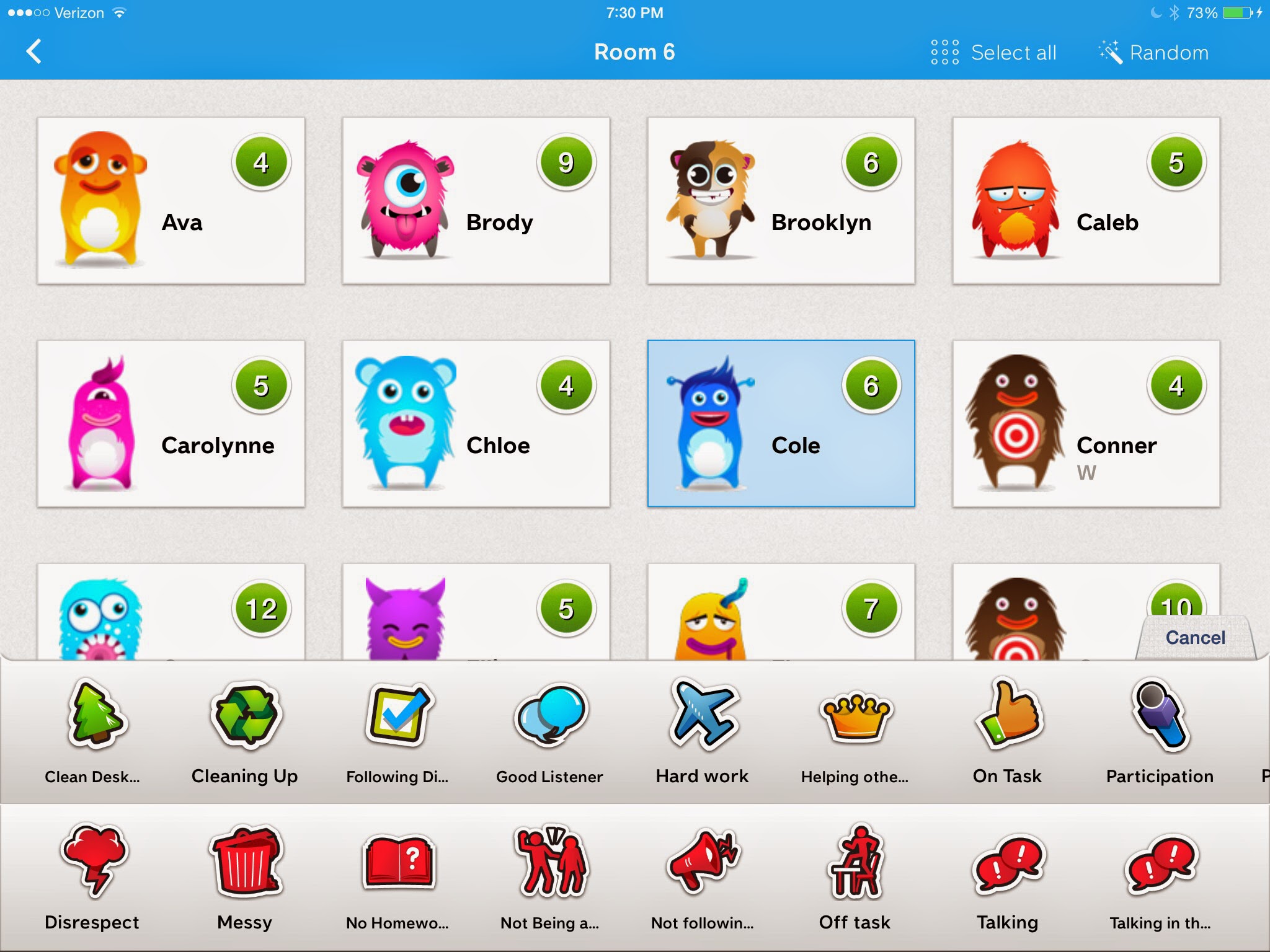
This week's topic is behavior management. I have tried out several classroom management tools in the past. My most recent fav. is ClassDojo.
ClassDojo is an online classroom management tool that is similar to clipcharts and other positive and negative feedback systems. I have used a combination of the website and the app on my iPad in the past. I would display the website in a small window on my SmartBoard throughout the day and use the iPad app to award students points and take away points from a distance. I loved how it distanced myself from the feedback. I found that because the feedback was displayed on the SMARTBoard, and not coming directly from myself, the students seemed to accept it with less argument.
I loved rewarding a student who was doing something correctly quietly with just the click of a button, then "ding", the sound on the computer would signal that someone just earned a positive point. I watched all of the heads in the room turn quickly to look at the screen and fix their behavior to match the student who just earned a point.
It was very helpful both in the classroom and outside of the room. I would use it while walking down the hallway, awarding those students walking quietly and following our hallway procedures. I could even leave it with the specials teachers while my students were with them.
There is also a random button which I enjoyed using to make sure that I wasn't always focusing on the same students and to call on students.One of the features that I love the most is how the program keeps track of all of the data for me. It is easy to look back and see how my students are doing and compare those times when they are struggling to hopefully find a common denominator.
As one of the possible rewards for the students to earn, I would let them change their Avatars when they got a certain number of points in a day. The students love changing their Avatars! They have some really fun ones!
I discovered a few new apps these past few months that I have only just barely gotten to taste test. They both work on volume control within a classroom. You can set the sensitivity within the app so that it varies for independent work, small group work, and whole class learning. The few times that I tried these apps my students have responded favorably. They really seemed to help. However, I almost always had a student or two who would try to set off the "too loud" alarm in the app. So watch out for that. I would definitely like to try using these two apps more this next year.
I am always interested in new behavior/classroom management ideas but at the moment I think that I would stick with ClassDojo. I really enjoy using it ... if you couldn't tell from above. :)
The school where I work implemented a new program this year which I really like. It is called Capturing Kids' Hearts and if you haven't heard about it before, you should definitely look into it. I was lucky enough to get trained in it and it really is an incredible program. It really helps the students become more responsible and invested in their own learning and decisions.
I believe that these two programs would work well together.
What are some things that work in your classroom to help manage behaviors and support a positive learning environment?
Thanks for stopping by! I hope you're enjoying your summer!
This is a terrific app for leveling books. Use the camera to scan the bar code on the back of the book and voila the app displays the reading levels for the book. It doesn't seem to have information for every book but it does seem to work on most of the books I tried. According to what I heard, it is free to download for today only! Hope you like it!
Sorry! I'm a little late posting these resources but hopefully some of you will still find them helpful!
Apps:
Paid
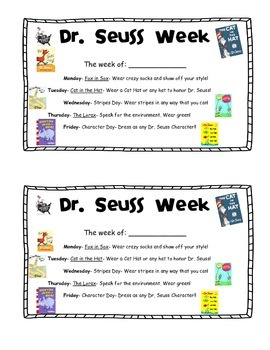
Many of the Dr. Seuss apps are on sale today!!!
Dr. Seuss Bookshelf
While there are many great Dr. Seuss apps, I really like how this one organizes them all in one place. So great for helping students find the app that they are looking for more independently. This app is technically free but almost everything inside costs so I put it under the paid category.
Happy Birthday to You! - Dr. Seuss - $3.99
A lot of Dr. Seuss's books are available in app form but I think that this one is particularly appropriate for today.
Dr. Seuss Band - $0.99
I chose to include this one because it is just so different than the other apps. In this app, the player gets to create and play wonderful Seussical melodies.
Free
Dr. Seuss Fun Machine Game
While the app is free, this app is meant to go with Dr. Seuss Fun Machine tile game which can be purchased at ToysRUs and other toy stores. This fun app promotes matching, memory, observation, and deduction through the use of the tiles and the interactive app.
The Lorax Tuffula Shuffula
This is a fun game where you try to shuffle the pieces around to get three or more of a kind in a row.
Books:
This time for books there are definitely way too many to list so I'll just list a few of my favorites!
Happy Birthday to You! by Dr. Seuss
This book just seems so appropriate to celebrate Dr. Seuss's birthday!
Oh, The Places You'll Go! by Dr. Seuss
This has always been a favorite of mine and a very popular graduation gift. I think I own several copies lol. It has a wonderful message about where life will take you, inspiring you through the good times and the bad.
Bartholomew and the Oobleck by Dr. Seuss
This is always a student favorite, however it is a pretty long read. I love making Oobleck along with reading this book with my students.
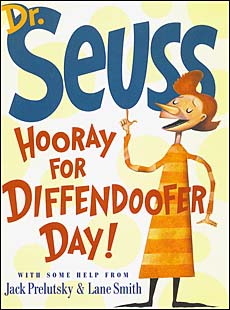
Hooray for Diffendoofer Day! by Dr. Seuss, Jack Prelutsky, and Lane Smith
This unique book was started by Dr. Seuss and finished by Jack Prelutsky and Lane Smith. It includes a wonderful explanation about how the book was created.
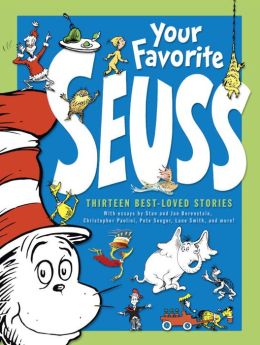
Your Favorite Seuss by Dr. Seuss
I discovered this book the other day when one of my students brought it in to share with the class. It is a terrific collection of 13 Dr. Seuss books.
Who Was Dr. Seuss? by Janet Pascal
A fabulous biography for kids of Ted Geisel, the famous Dr. Seuss!
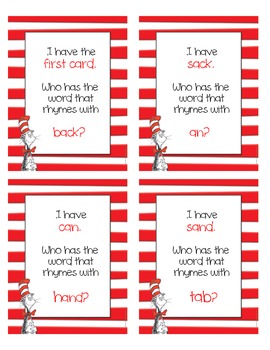
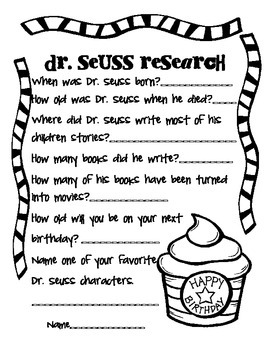
This very cute packet includes everything you need to have a terrific Dr. Seuss day, week, or month with activities to go along with at least seven of Dr. Seuss's most popular books! Perfect for Pre-K, Kindergarten, and 1st Grade. Price: $5.75
This huge, 101 page, packet includes a plethera of activities for your students to do in honor of and celebrating Dr. Seuss including writing prompts, graphing pages, and beginning sound matching. Price: $10.00


 Posted with Blogsy